P.03 // LIVE
HOEVEEL HEBIK.NL
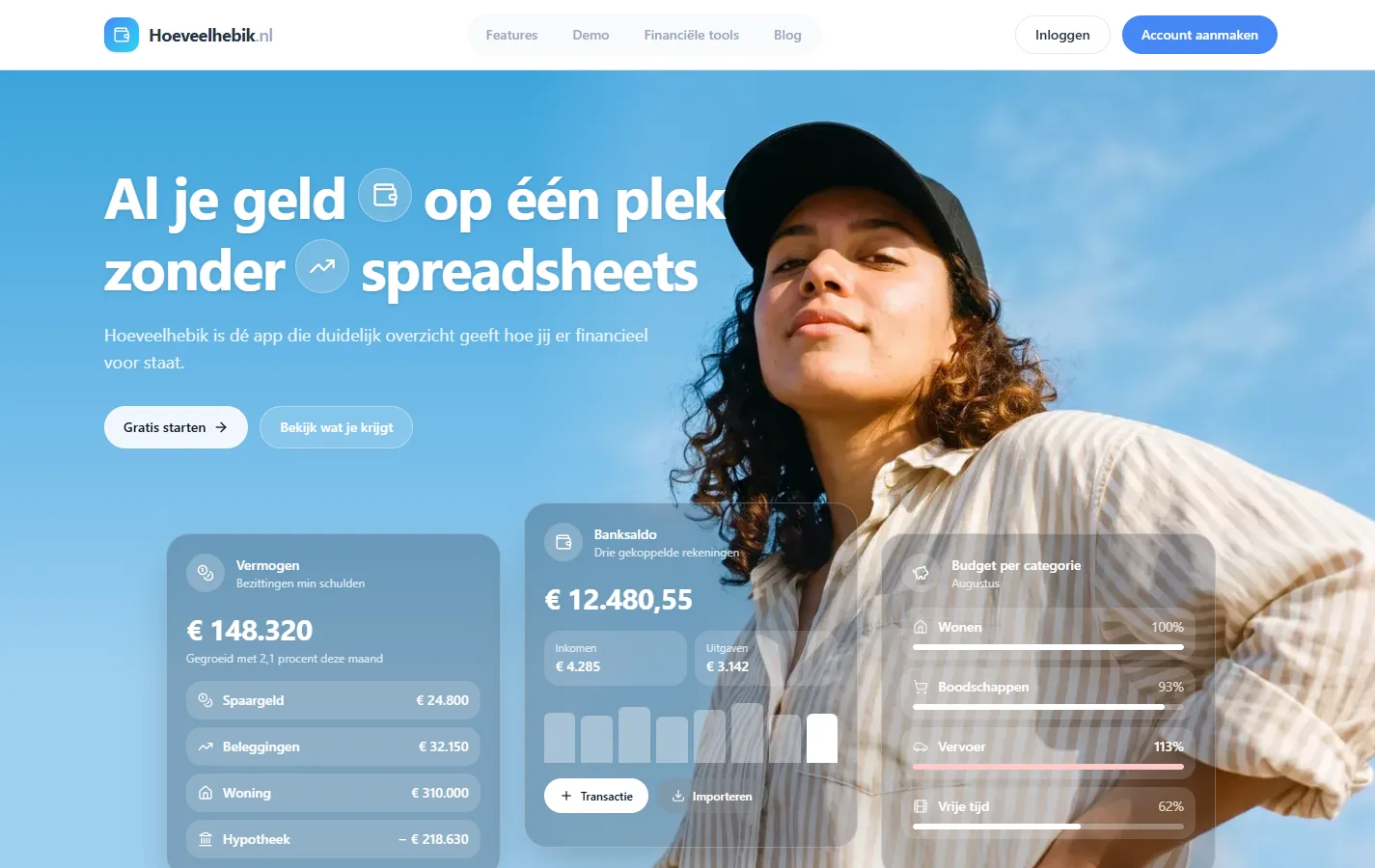
Personal finance web application. Connects your bank accounts, sorts your transactions into categories and shows what is left, with budgets and wealth in the same overview.
BACKGROUND
You want to know how much you have, but it is spread over a current account, a savings account, investments and a mortgage.
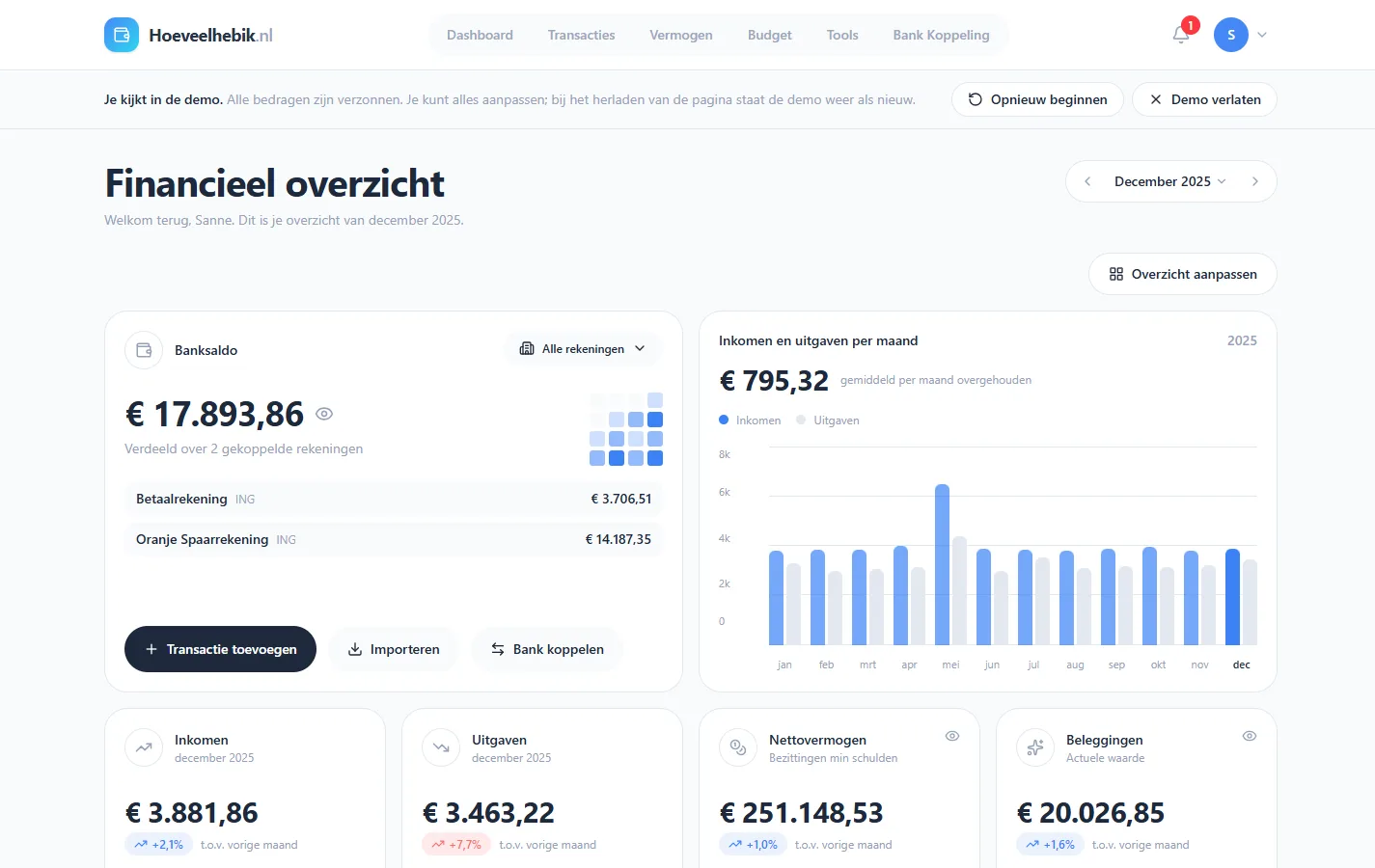
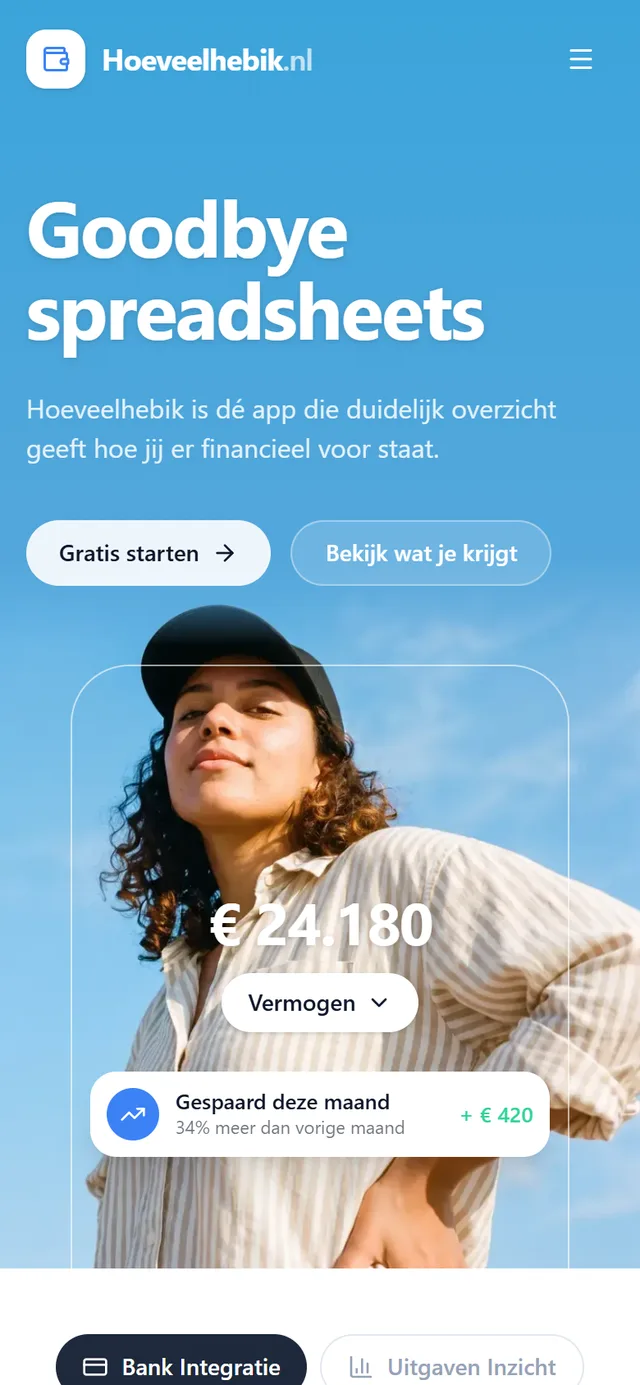
Anyone who tracks this in a spreadsheet sees it fall behind within a few months. Hoeveelhebik.nl ("how much do I have") retrieves the transactions from the bank, sorts them into categories and puts budget, savings and wealth in one overview that you arrange yourself.
The site also has eighteen free calculators. Think of net salary, mortgage, benefits and Dutch wealth tax (box 3). They work without an account and use the 2026 rates.
WHAT IT DOES
TRANSACTIONS
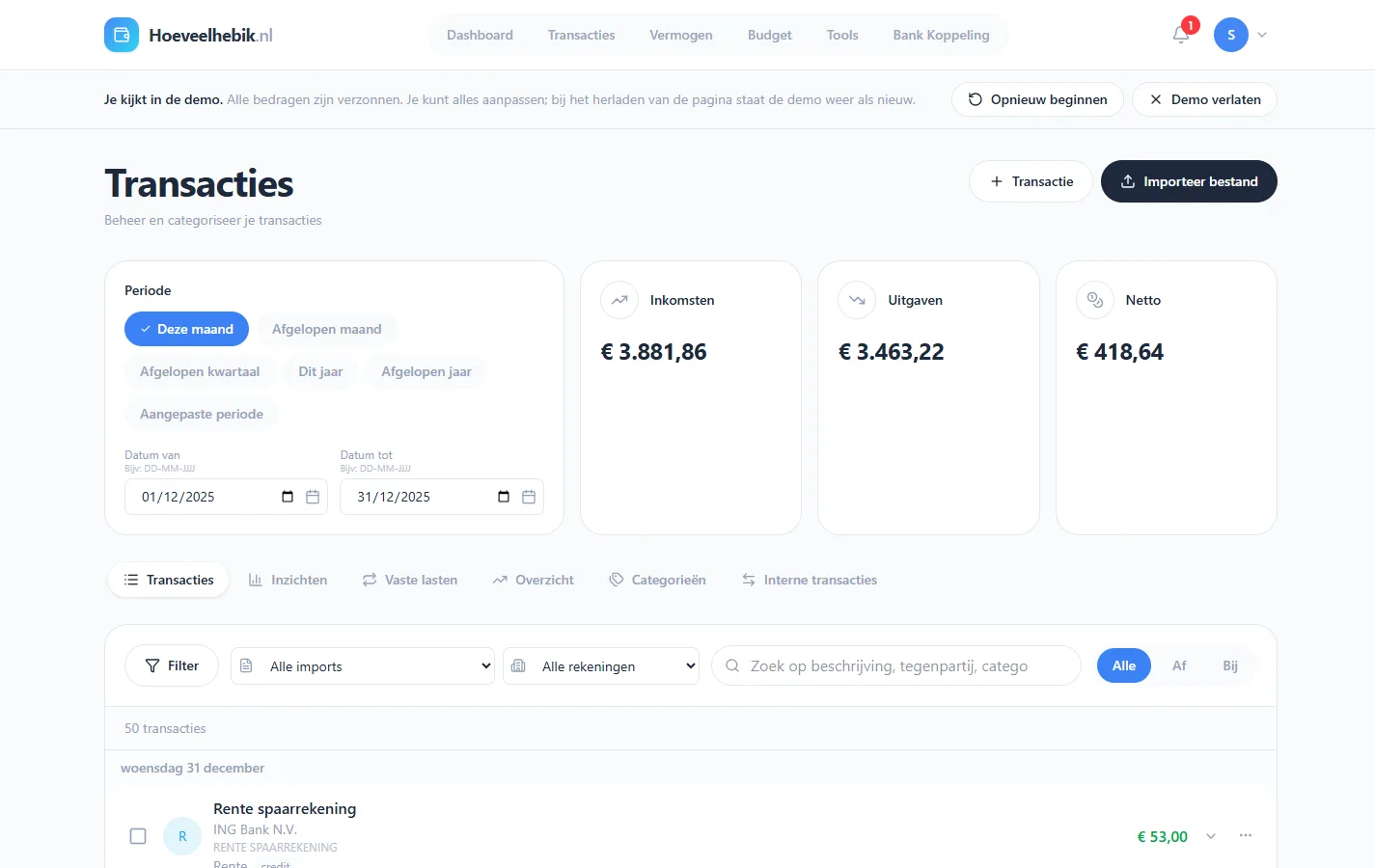
Transactions come in through the bank connection or a CSV file from the bank. An import that overlaps with earlier transactions is recognised, and transfers between your own accounts do not count as income or expenses.
BUDGET AND SAVINGS
Set a budget per category and see each month what is left, or how far you went over. Savings goals show how far along you are.
WEALTH
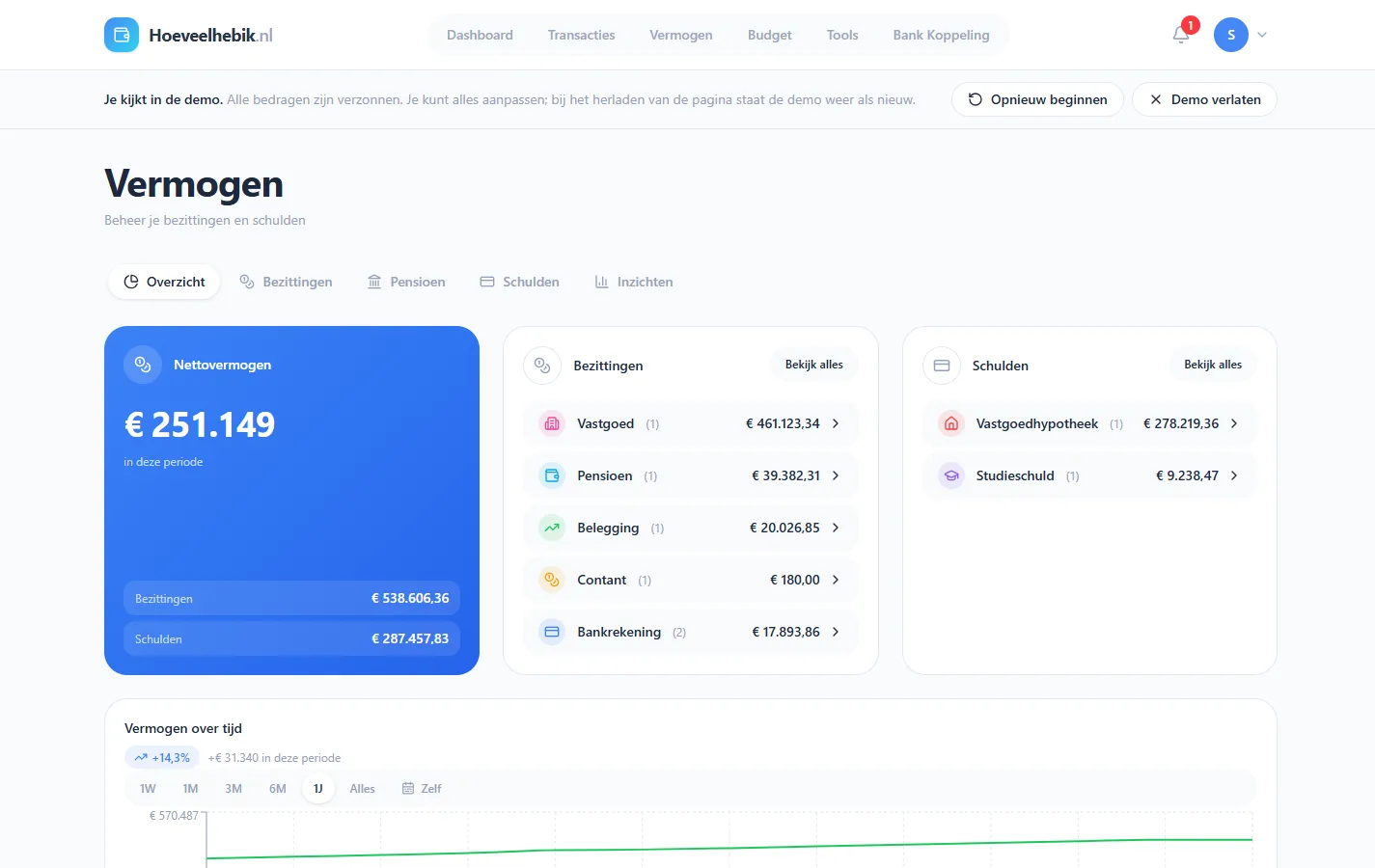
Assets and debts side by side. Think of a home with a mortgage, pension, investments and student debt. Net worth can be tracked over time.
CALCULATORS
The calculators are how people find the site. Each calculator has its own page with an explanation, so it ranks for searches such as calculating net salary or healthcare allowance. Users with an account get the calculators filled in with their own data, so a benefit or tax amount matches their own income straight away.
Next to the calculators there is a blog with example calculations. When a link is shared, an image that fits the topic is generated automatically, such as tax, housing or pension.
DEMO AND MOBILE
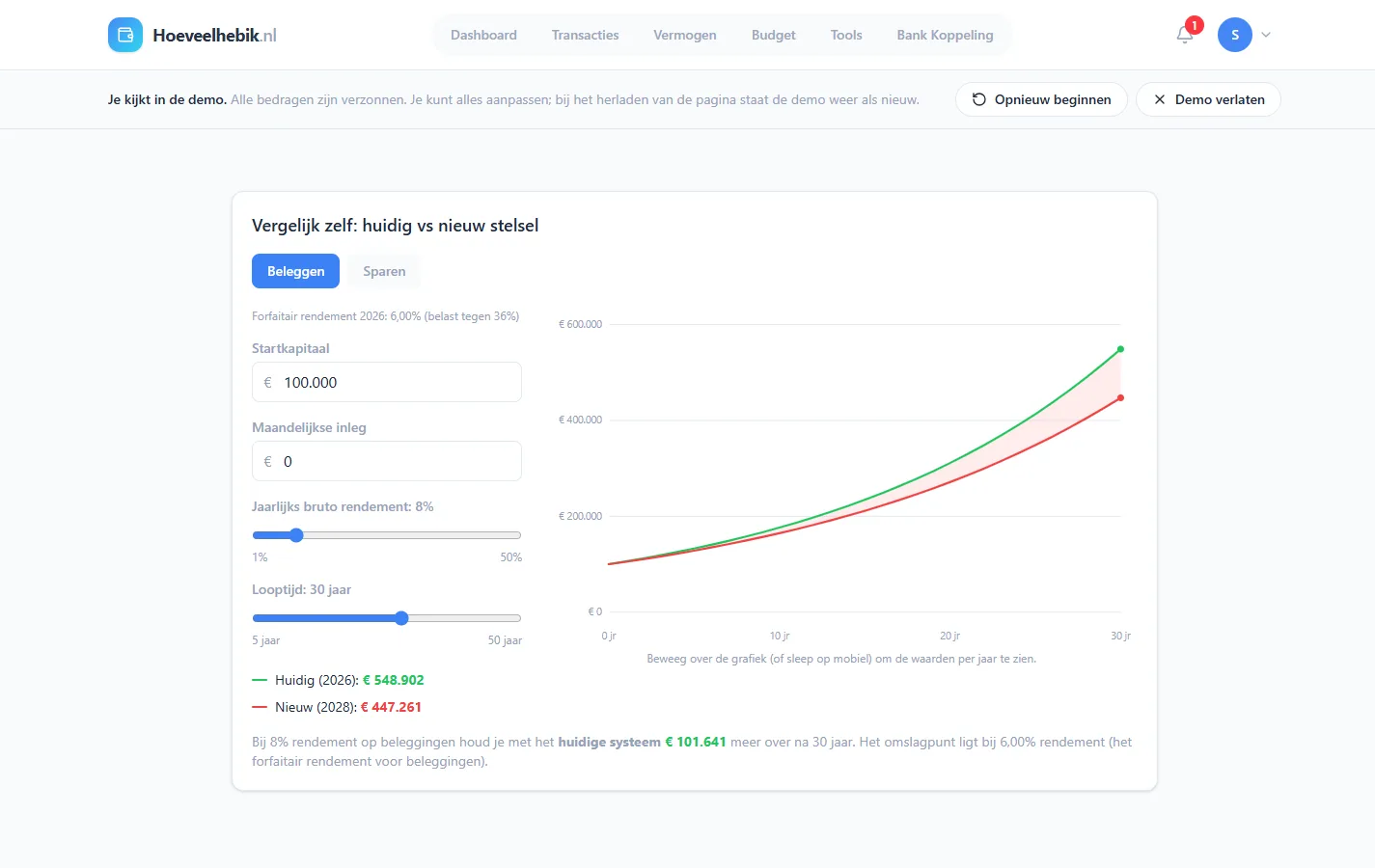
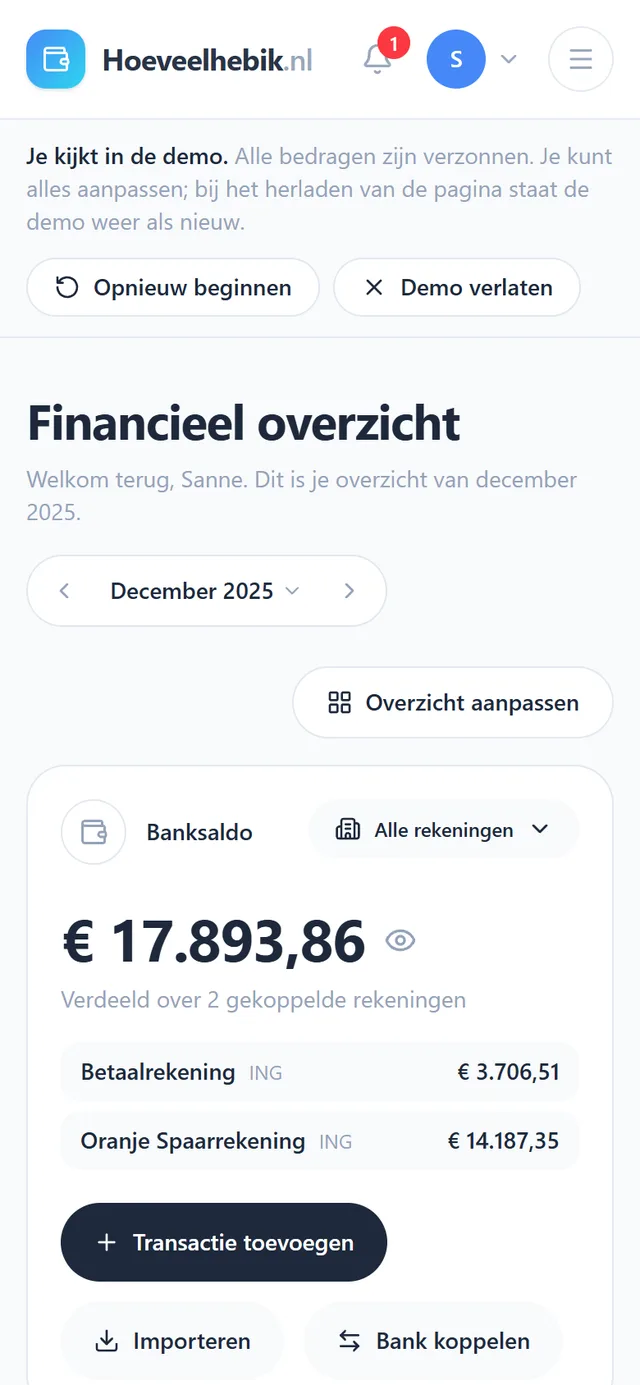
Nobody likes to try out a finance app with their own bank details. That is why the site has a public demo with a fictional household. Visitors click through the whole dashboard without an account and can change everything. After a reload the demo is as good as new.
The site works fully on mobile. I am also building an iPhone app in React Native (Expo) that uses the same database. The overview is done, transactions are the next step.
TECHNOLOGY
Categorisation happens in fixed steps. First the user's own rules per counterparty, then a database with the IBANs of shops and businesses, then keywords in the description. A payment abroad goes under holiday. Whatever is left, the user sorts manually, and that choice becomes a rule for next time.
Financial data needs extra care. The database is isolated per user with row-level security (the database checks for every row whether you are allowed to see it), and the API has rate limiting.
Subscriptions through Stripe are built in, with a free version and two paid tiers. At the moment everything is free to use. Shared bookkeeping for partners has been built and is not yet switched on.